Your Application Rules
Answer every application question once, never twice.
Preview
Application rules · updated Oct 31
| Rule | Answer | Scope | Since |
|---|---|---|---|
| Education wording | B.S., Computer Science | resumes, forms | Oct 12 |
| Website field | Always include the portfolio link in the Website field | all forms | Oct 12 |
| About-you box | Use the short bio for any optional About-you box | optional fields | Oct 20 |
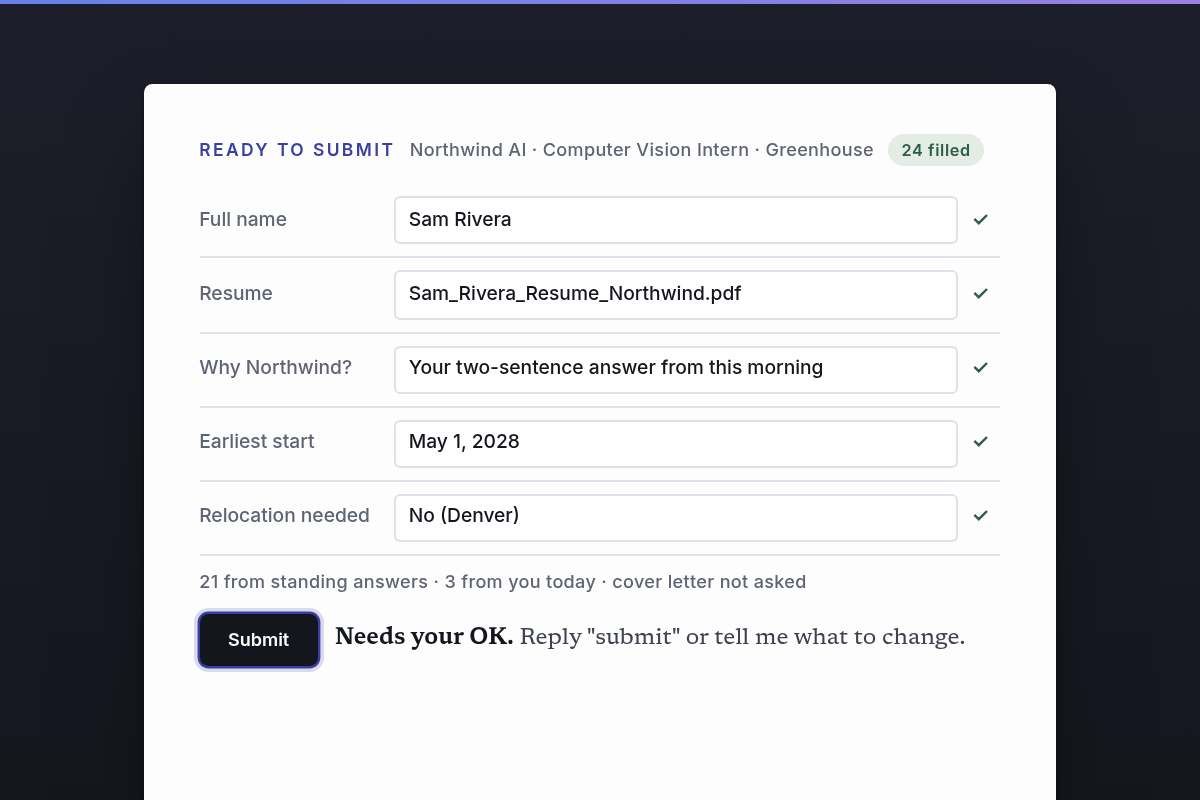
| Start date | Ask me for each role | all roles | Oct 12 |
| Pay expectation | Midpoint of the posted range; ask me if none | all jobs | Oct 18 |
| Relocation | Open to relocating, all roles | all roles | Oct 18 |
| Demographics | Decline to self-identify | all | Oct 12 |
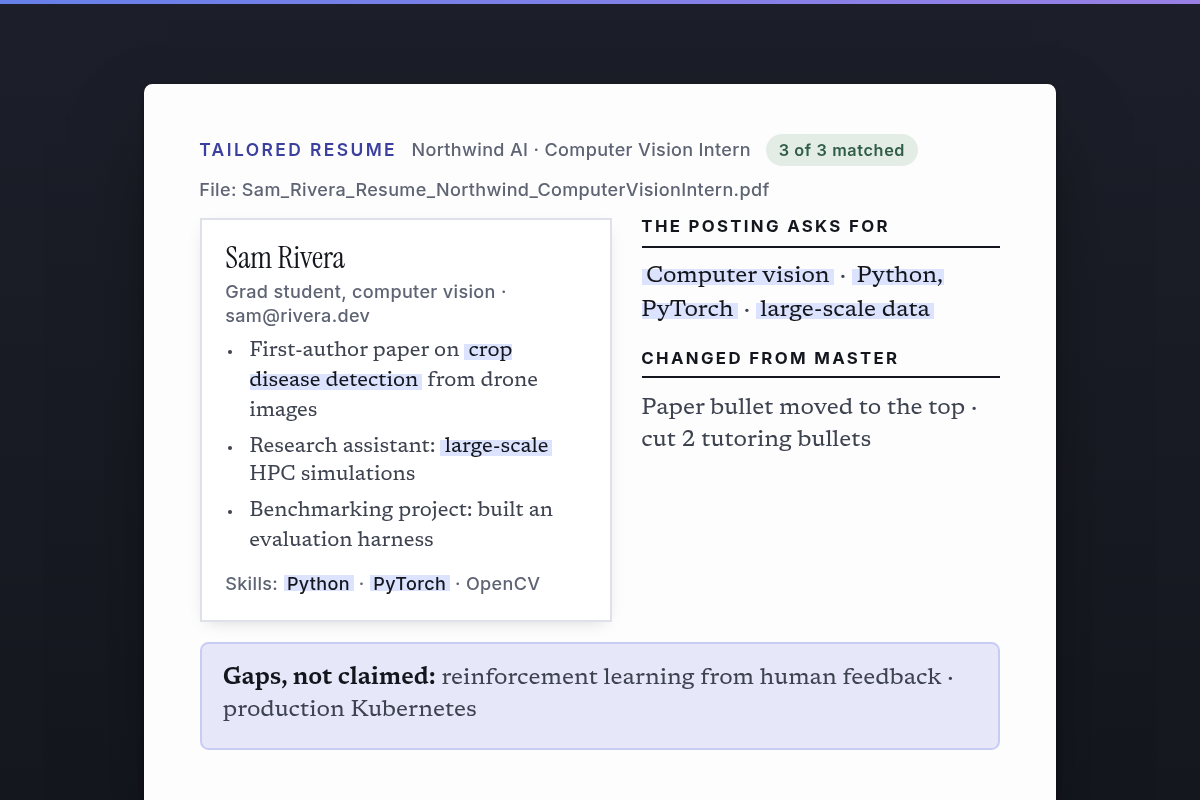
| Do not claim | CUDA kernel tuning, 3D reconstruction | all | Oct 22 |
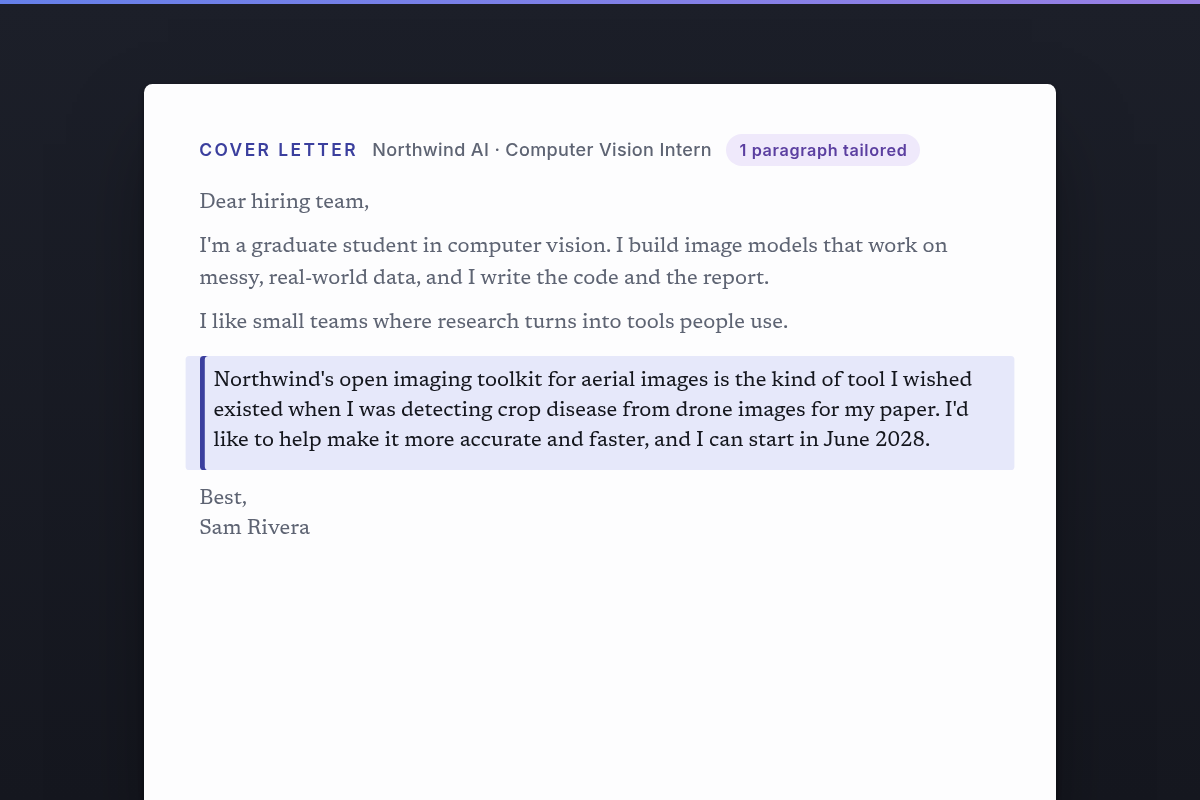
| Banned phrases | "passionate", "synergy", "I am writing to apply" | all writing | Oct 22 |
Asked once for Northwind AI (not in the rulebook):
- "Have you worked with us before as a contractor?"
- "Are you open to a 6-month term instead of 4?"
What you get
4 things · One rulebook every bot reads first
- One rulebook every bot reads first
- Standard answers filled without asking
- One batched question list for anything new
- Dated rules, so the newest always wins
Make it yours
5 settings · Education wording, Start date, Pay expectation, Work…
Education wording
Start date
Pay expectation
- Midpoint of the posted range (default)
Work authorization
Do not claim
Data sources
1 required · Assistant memory, a notes page, or a shared doc
About
Your Application Rules is the one place your standing answers live: how…
Your Application Rules is the one place your standing answers live: how to describe your degree, your start date, pay expectations, work authorization, demographic preferences, and anything you never want claimed. Every resume, form and note follows it, and your bots only ask about what's genuinely new.